
Slack Download Safety: How to Get the Genuine App and Avoid Fakes

Slack download searches attract more than people who want the app. Because so many businesses use Slack, its name is an attractive disguise for anyone trying to slip malware onto a work laptop or harvest sign-in details. A fake installer can quietly install something else, and a convincing copy of the sign-in page can hand your workspace password to a stranger. The good news: genuine Slack is easy to recognise once you know what to check. SlackDownload.com is a third-party guide, not affiliated with Slack or Salesforce, and it does not host Slack files. Every recommendation here points back to official sources.
The one rule: download Slack only from official sources
Nearly every bad outcome in this article starts with someone getting Slack from somewhere else. Use Slack's own official Slack downloads page or one of the official stores below, and check that the publisher name matches exactly.
| Platform | Official source | Publisher shown |
|---|---|---|
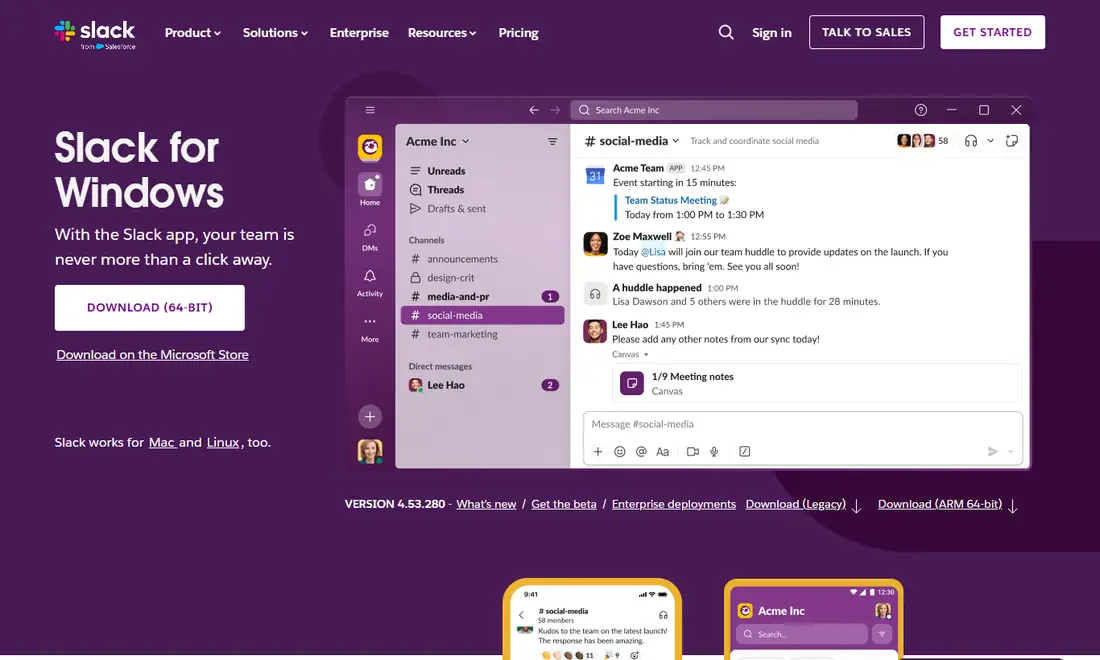
| Windows | slack.com/downloads/windows, or the Microsoft Store | Microsoft Store: Slack Technologies Inc. |
| Mac | slack.com/downloads/mac, or the Mac App Store | Seller: SLACK TECHNOLOGIES L.L.C. |
| Linux (beta) | slack.com/downloads/linux (.deb and .rpm), or the Snap Store | Snap Store: Slack (Verified account) |
| iPhone and iPad | Apple App Store | Seller: SLACK TECHNOLOGIES L.L.C. |
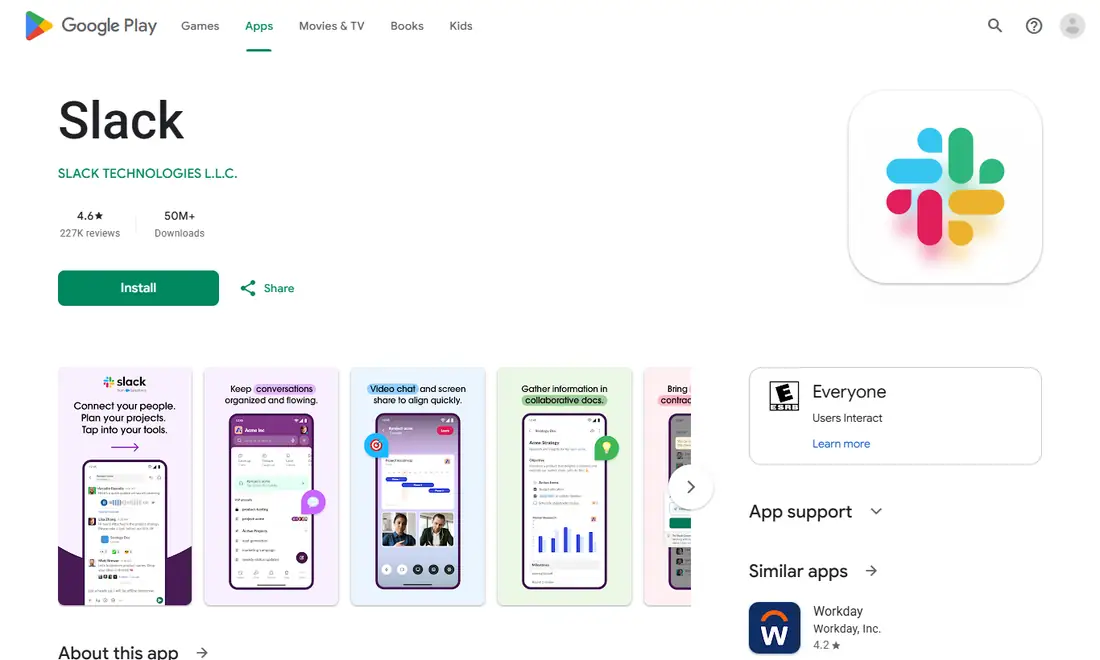
| Android | Google Play | Developer: SLACK TECHNOLOGIES L.L.C. |
| Any browser | slack.com/signin (web app) | No download needed |
Slack is free to download from all of these. Plans differ (the Free plan keeps 90 days of message history; paid plans add more), but installing the app never costs anything. That single fact exposes a whole category of scams covered below.
Check the publisher name in every app store
App stores are far safer than random websites, but copycat apps with similar names, logos and screenshots do appear. Before you tap Install or Get, spend ten seconds on the listing.
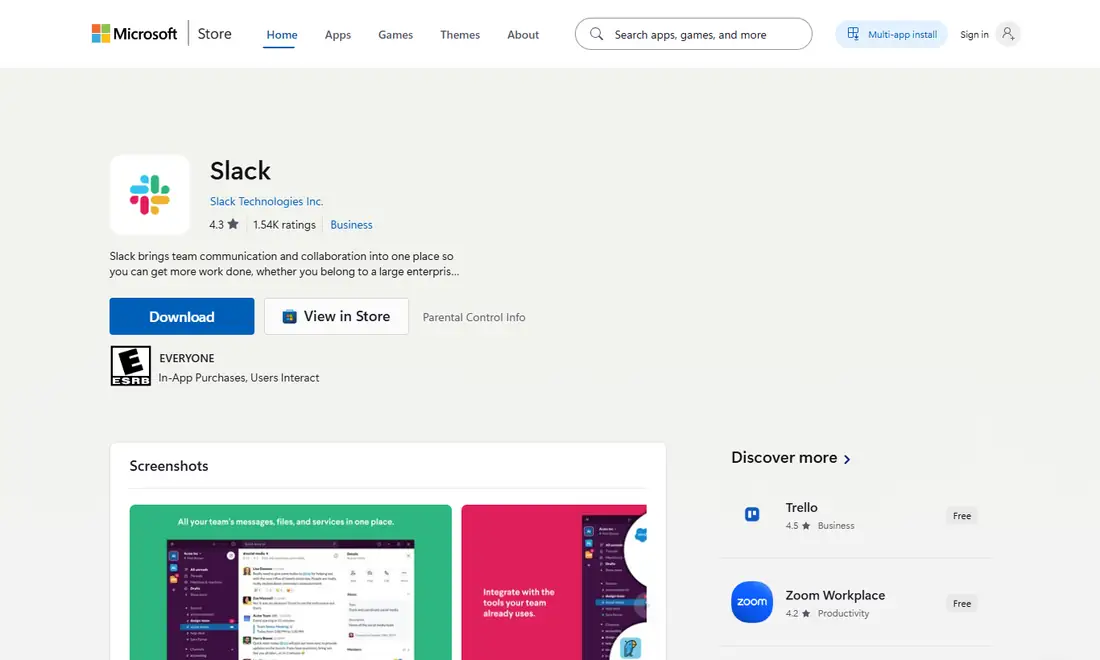
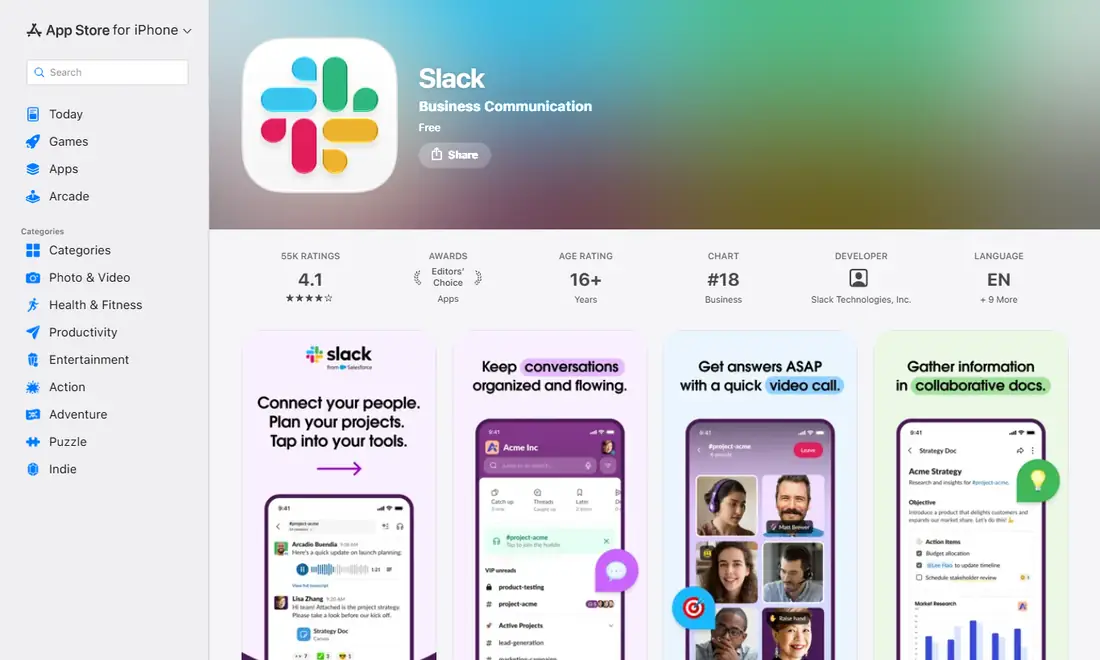
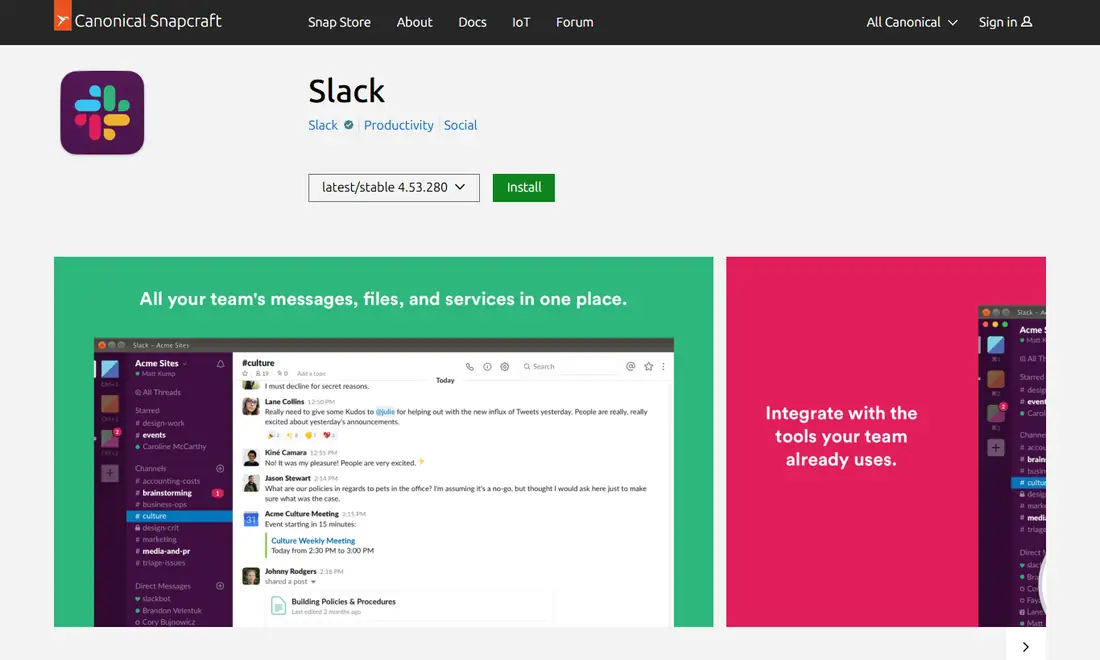
- Publisher name. On the Slack listing in the Microsoft Store the publisher is Slack Technologies Inc. On Google Play the developer is SLACK TECHNOLOGIES L.L.C. On Apple's stores, the Information section lists the seller as SLACK TECHNOLOGIES L.L.C., while the developer label near the top reads Slack Technologies, Inc. On the Slack page in the Snap Store the publisher is Slack with a verified badge.
- App name. The genuine app is simply called Slack (on the Mac App Store, "Slack for Desktop"). Be wary of "Slack Pro Free", "Slack Premium Unlocked" or "Slack Messenger Plus".
- Other apps by the same developer. A page full of flashlight apps and wallpapers is a warning sign.
- Package name on Android. The genuine listing's address ends in
id=com.Slack.
Don't judge by star ratings alone; they can be manipulated and screenshots can be copied. The publisher name is the more reliable signal.
Direct downloads on Windows and Mac: read the prompts
When you download from slack.com rather than a store, you get an installer (Windows) or a disk image (Mac). Genuine files are signed by Slack, and the operating system's prompts help you confirm that.
Windows
On a genuine installer, the Windows security prompt names Slack's company as the publisher. You can also right-click the file, open Properties and check for a Digital Signatures tab listing Slack. Stop and delete the file if the prompt says "Unknown publisher", names a different company or person, shows no signature at all, or the installer asks you to switch off your antivirus. Remember that Windows 10 is not on Slack's current supported list; Slack's requirements start at Windows 11 version 23H2. See our guide to Slack on Windows 10 for the options.
Mac
The first time you open Slack from the website, macOS may ask whether you want to open an app downloaded from the internet; that is normal. It should not say the developer cannot be verified or that the app may contain malware. Be suspicious of any page that tells you to override Gatekeeper, any disk image containing extra "helper" tools or scripts, or an oddly named zip instead of the usual disk image. The genuine process is simply dragging Slack into Applications, and the Mac App Store version handles verification for you.
Red flags of fake Slack download sites
Fake sites are built to rank in search results and copy Slack's colours and logo. Leave immediately if you see:
- Several large, flashing download buttons.
- Pop-ups, redirects, surveys, prizes or "your device is infected" warnings.
- A separate "download manager" you must install first.
- Version numbers that don't match what the official stores show.
- Scripts, screensavers or archives full of loose files instead of a normal installer.
- Any request for payment, or countdown timers and "today only" pressure.
The safest habit is not to search for the installer at all: open your device's official store, type slack.com yourself, or use your company's software portal.
Why "Slack Premium" and mod offers are always fake
Cracked, modded or "premium unlocked" versions of Slack turn up on forums, video descriptions and APK mirror sites. They cannot be genuine. Slack's paid features, from unlimited message history on Pro to the controls on Business+ and Enterprise+, are tied to your workspace's plan on Slack's servers. They are not hidden switches in the app, so a modified client cannot give a free workspace paid features. At best a mod does nothing useful; at worst it carries malware or captures your sign-in. Because Slack often holds client files and internal plans, a compromised client is especially valuable to attackers. Our Slack APK safety guide covers Android mirrors and mods in more detail.
Phishing sign-in pages and fake invitations
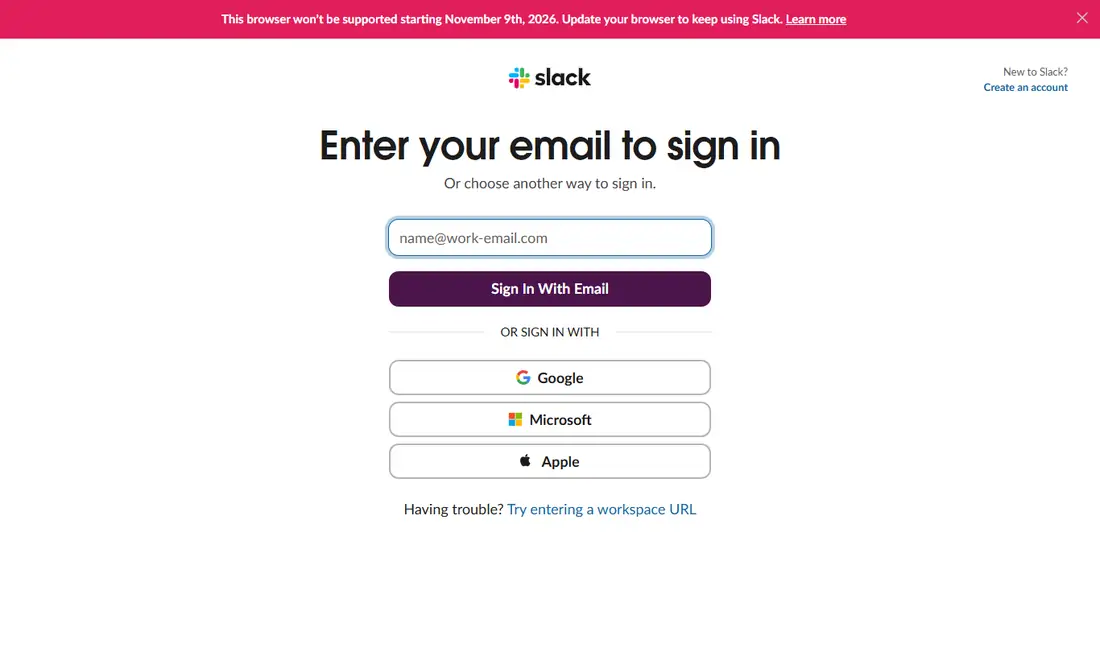
Not every Slack scam involves a download. Some copy the sign-in page and wait for you to type your email and password. They usually arrive as an email saying a message or file is waiting, a "Slack invitation" from a stranger, a text about unusual activity, or a fake download site that asks you to sign in through a web form.
- Open Slack yourself. Use the app you already have, or go to Slack's official sign-in page by typing the address, rather than following a link.
- Check the address bar for misspellings, extra words or odd domain endings.
- Turn on two-factor authentication or use your company's single sign-on.
- Never share sign-in codes, whoever asks.
- Report suspicious messages to your workspace admin; if you were targeted, colleagues probably were too.
Keep Slack updated: updates are a security step
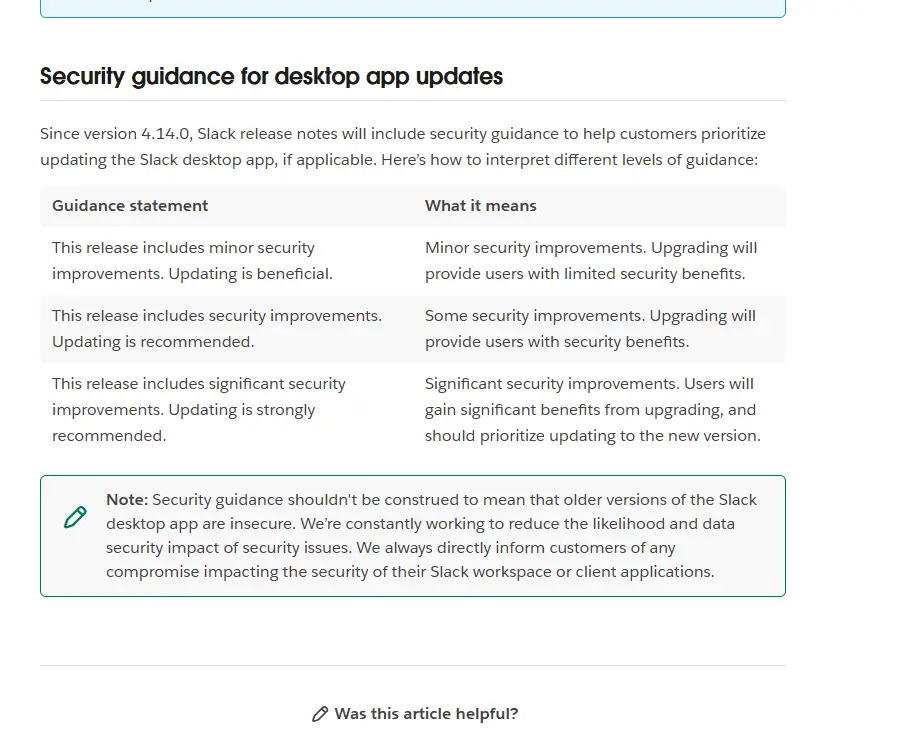
Updates fix security issues as well as adding features. Slack's release notes include security guidance statements, from "Updating is beneficial" to "Updating is strongly recommended", to help you prioritise. Leave auto-update on in every store, accept in-app update prompts rather than downloading new installers from search results, and on work machines let IT manage updates; our Slack deployment guide for IT teams covers managed rollouts.
| Platform | OS minimum | App minimum |
|---|---|---|
| Windows | Windows 11 version 23H2 or above; Windows Server 2016 | 4.44 or above |
| macOS | macOS 13 or above | 4.44 or above |
| Linux (beta) | Ubuntu LTS 22.04 or above; RHEL 9.0 or above | 4.44 or above |
| iOS | iOS 17 or above | 25.05.20 or above |
| Android | Android 11 or above, with Google Play Services by default | 25.05.20 or above |
Requirements last checked: (Slack revises them every May and November).
Heads-up: Slack's support lifecycle page lists macOS 13, iOS 17 and Android 11, plus desktop app 4.46.104 and below, as reaching end of support on November 9, 2026. Unsupported app versions must upgrade before they can access Slack, and an unsupported OS stops receiving app updates.
If you think you installed a fake Slack app
Act quickly, but in order:
- Disconnect the device from the network if the installer behaved strangely, then uninstall the suspicious app.
- Run a full scan with your security software and remove anything it flags.
- Reinstall Slack from slack.com/downloads or your device's official store, checking the publisher name.
- Change your Slack password from a clean device and turn on two-factor authentication if it isn't already on.
- Tell your workspace admin or IT team. On a work account this is essential: they can review sign-ins, end other sessions and warn colleagues who may have received the same lure.
Quick safety checklist
- I'm downloading from slack.com/downloads or an official store.
- The publisher name matches the table above exactly.
- I'm not paying for the download or installing a "premium" or modded build.
- My device meets Slack's current minimum requirements.
- I sign in through the app or a typed address, never an unexpected link.
- Two-factor authentication or company single sign-on is on.
- Automatic updates are enabled.
Frequently Asked Questions
How can I tell if my Slack app is genuine?
Check where it came from and who published it. A genuine copy comes from slack.com/downloads or an official store, and the store listing shows SLACK TECHNOLOGIES L.L.C. on Apple and Google Play, Slack Technologies Inc. on the Microsoft Store, or the verified Slack account on the Snap Store. Anything else deserves suspicion.
Is it safe to download Slack from APK sites?
No. APK mirror sites are not official sources, their files can be altered before you download them, and they do not update automatically. On Android, install Slack only from Google Play. If your device cannot use Google Play, Slack does not support it, so use the Slack web app in a supported browser.
Is there a free Slack Premium or modded version?
No genuine one exists. Paid Slack features are tied to your workspace's plan on Slack's servers, so a modified app cannot unlock them. The app itself is already free to download from every official source. These offers are typically used to spread malware or steal sign-in details, so avoid them entirely.
What should I do if I installed a fake Slack app?
Uninstall it immediately, run a full scan with your security software, and reinstall Slack from an official source. Change your Slack password, sign out of other sessions if your account settings allow it, and tell your workspace admin, especially on a work account, because others may have been targeted too.
Should I trust emails asking me to sign in to Slack?
Treat any unexpected email, text or chat message that asks you to sign in through a link with suspicion. Open the Slack app you already have, or type the sign-in address yourself, instead of following the link. Never share sign-in codes with anyone, and report suspicious messages to your workspace admin.
Is it safe to keep using an old version of Slack?
Not for long. Updates include security fixes, and Slack's support lifecycle page lists desktop app 4.46.104 and below, and mobile app 25.10.50 and below, as reaching end of support on November 9, 2026. Unsupported app versions are prompted to upgrade and cannot access Slack until they do.