
Slack vs Microsoft Teams vs Discord: Compare Before You Download Slack
Choosing between a Slack download, Microsoft Teams or Discord is less about which app is "best" and more about who you need to talk to and how. All three are free to install, all three run on desktop and mobile, and all three combine text chat with voice and video. The differences sit in the free-plan limits, the price of the paid tiers, meeting sizes and the kind of community each app was designed for.
This comparison uses only figures shown on the vendors' own pricing, download and help pages, checked on . SlackDownload.com is a third-party Slack install guide, so we know Slack best, but we have tried to give each app a fair hearing. Where a vendor does not publish a number, we say so instead of guessing.
Slack vs Teams vs Discord at a glance
The table below is the quick answer. Prices are in USD per user per month unless stated otherwise.
| Factor | Slack | Microsoft Teams | Discord |
|---|---|---|---|
| Free option | Free plan, $0 "free forever" | Microsoft Teams (free), for 1 person | The app is free |
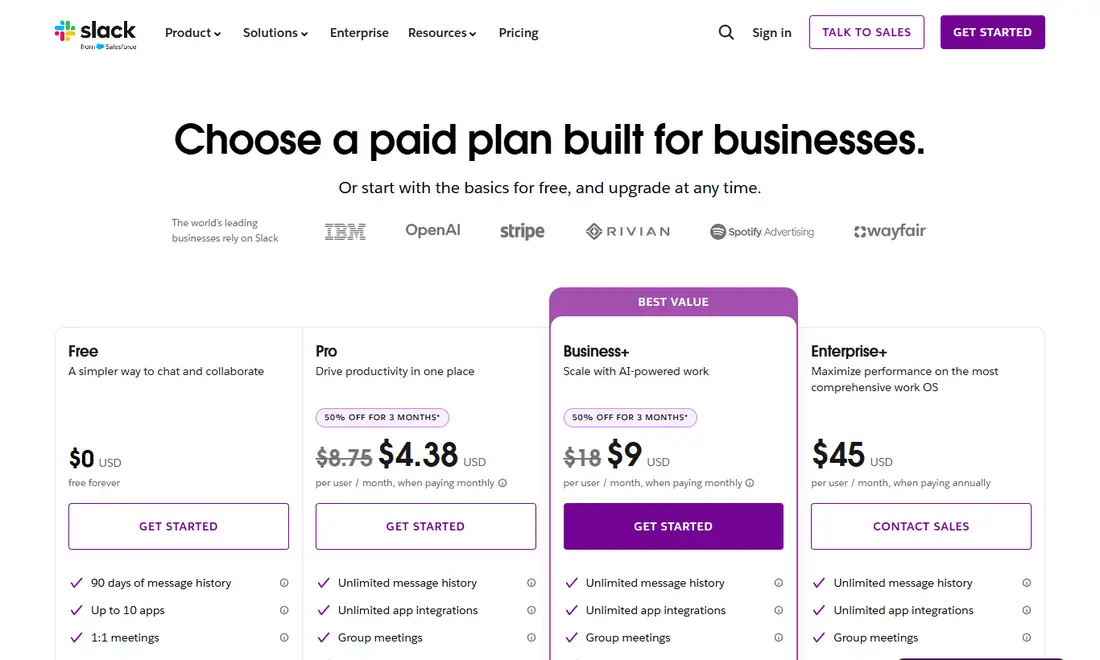
| Entry paid price | Pro: $7.25 paid annually, $8.75 paid monthly | Teams Essentials: $4.00, paid yearly | Paid Nitro tiers (price not listed on the public Nitro page) |
| Higher tiers | Business+ $15 annually / $18 monthly; Enterprise+ $45 annually | Microsoft 365 Business Basic $7.00; Business Standard with Copilot $23.50 | Nitro Basic and Nitro |
| Desktop apps | Windows, macOS, Linux (beta) | Windows download offered on the download page | Windows, macOS, Linux |
| Mobile and other | iOS, Android, web browsers | Teams mobile app, web | iOS, Android, PlayStation, Xbox, Meta Quest |
| Free calls/meetings | Huddles with a maximum of two participants | Group calling up to 60 minutes and 100 participants | Voice and video included in the free app |
| Paid calls/meetings | Huddles up to 50 participants (25 on video) | Meetings up to 30 hours and 300 participants | Nitro adds HD video streaming |
| Best for | Work teams that live in channels and connected apps | Organizations already on Microsoft 365 | Communities, gaming and hobby groups |
Slack: channels, apps and huddles
Slack organizes work into channels and direct messages, and it leans heavily on integrations and automation. Its own pricing page groups features under productivity, AI-powered work, automation tools, security, compliance and administration, which tells you who it is aimed at: businesses that want one searchable place for conversations, files and workflows.
Slack download and platforms
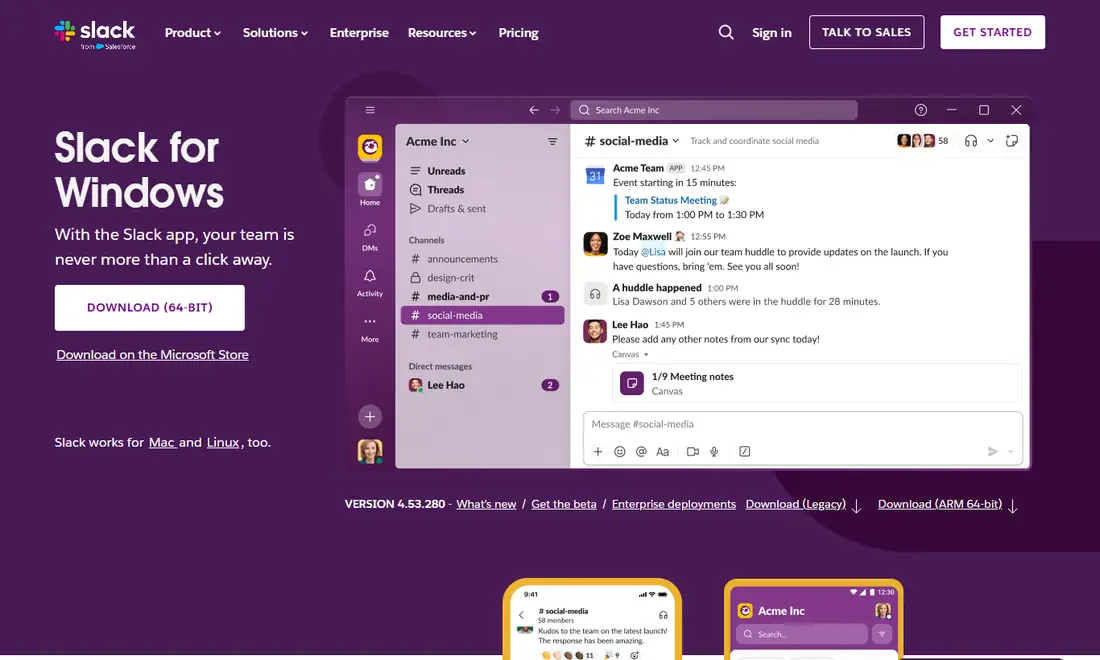
The official Slack downloads page offers desktop apps for Windows, Mac and Linux, plus mobile apps. On November 6, 2026 the Windows and Mac pages showed version 4.53.280 and the Linux page showed 4.53.276, labelled beta. Slack's current requirements are Windows 11 version 23H2 or above, macOS 13 or above, Ubuntu 22.04 or Red Hat Enterprise Linux 9.0 or above, iOS 17 or above and Android 11 or above. Windows 10 is not on Slack's current supported list. Slack's support lifecycle page also lists macOS 13, iOS 17 and Android 11 as reaching end of support on November 9, 2026, so check the official requirements page after that date. Step-by-step instructions are in our guides to the Slack download for Windows and the Slack download for Mac.
Slack free plan limits
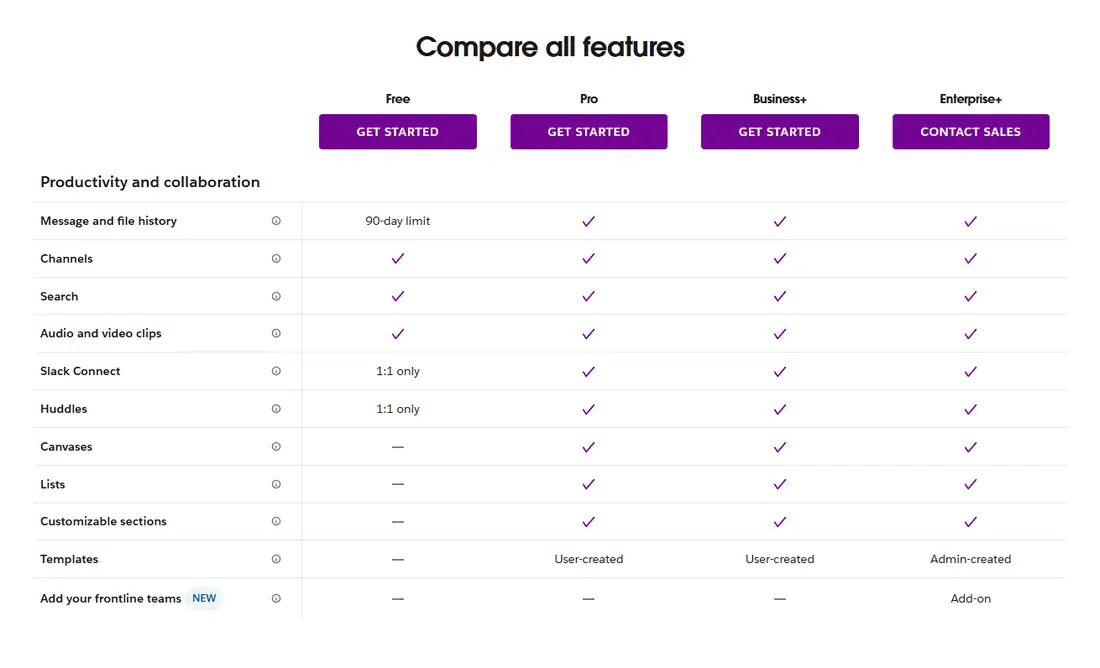
- You can view and search messages and files from the last 90 days; anything more than one year old is permanently deleted.
- Up to 10 third-party or custom apps.
- Huddles and Slack Connect (messaging people at other companies) are 1:1 only.
- Canvases and lists are marked as not included for Free in Slack's feature comparison.
Slack huddles and integrations
Huddles start from the headphones icon in any channel or DM and support video, screen sharing, a notes canvas and reactions. On the free plan a huddle can have at most two people; on paid plans up to 50 can join, but only 25 can turn video on at once. Huddles work in the desktop and mobile apps and in Chrome and Firefox. For integrations, the free plan allows 10 apps while Pro and above list unlimited app integrations and Workflow Builder. Our guide to Slack huddles and calls covers the details.
Microsoft Teams: meetings and Microsoft 365
Teams is Microsoft's chat, calling and meeting app. Its business plans are sold alongside Microsoft 365, so the value depends heavily on whether you also want Word, Excel, Outlook and business email.
Teams download and platforms
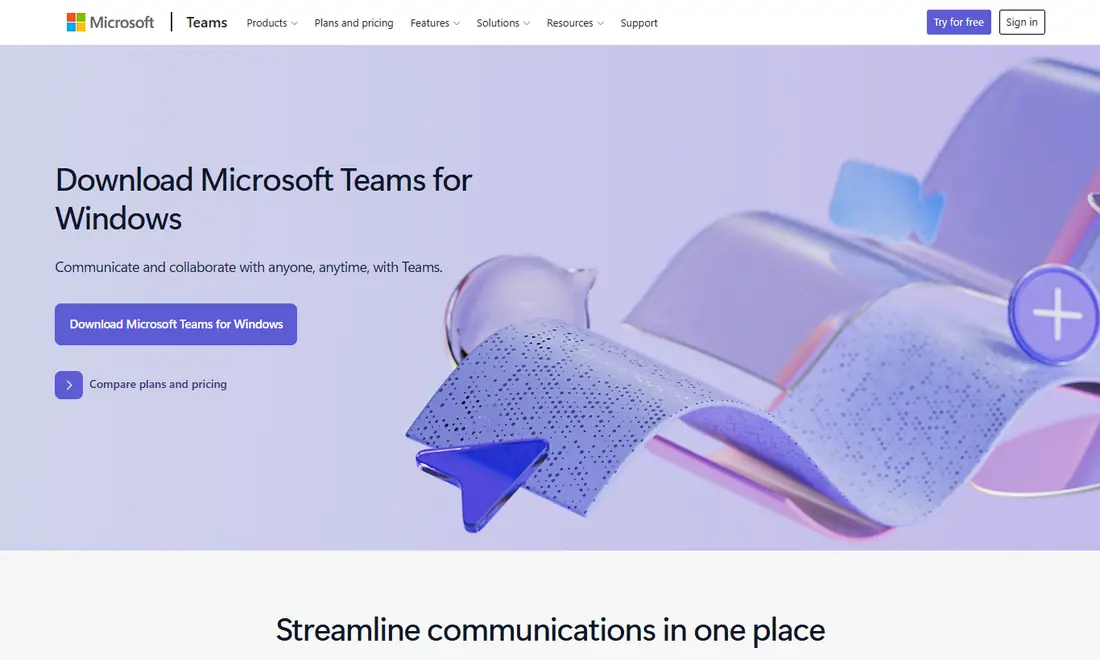
The Teams download page showed a "Download Microsoft Teams for Windows" button for our Windows visit and a QR code to get the Teams mobile app. Microsoft's plan pages also mention desktop, web and mobile versions depending on the plan; Microsoft 365 Business Basic, for example, is listed as "web and mobile apps only" for its Office apps.
Teams free version
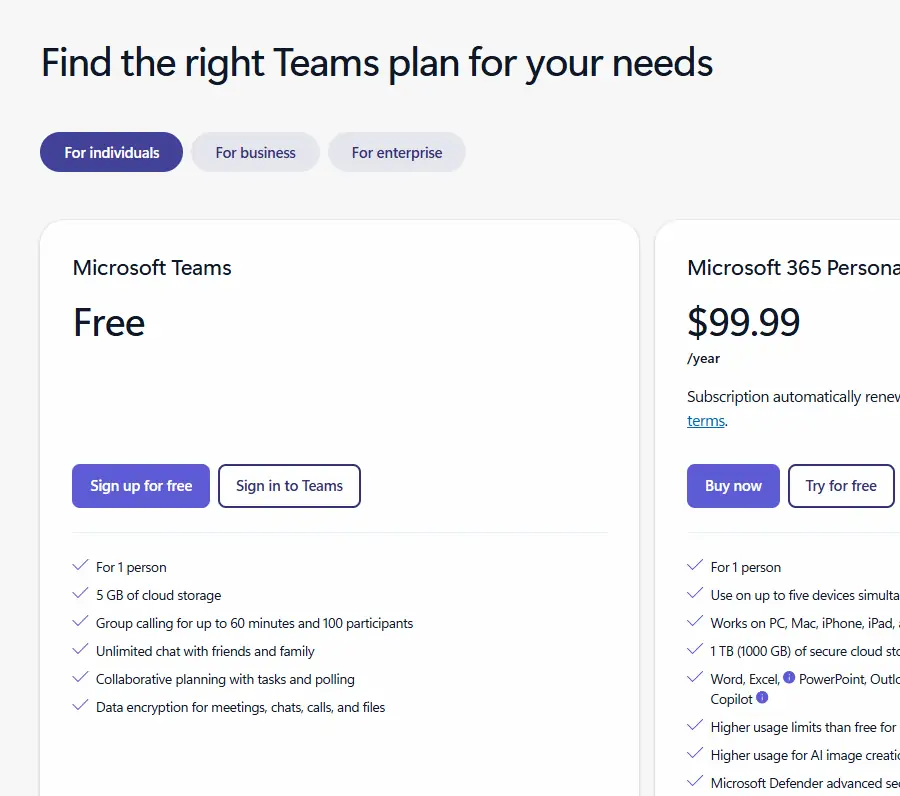
The free version of Teams, described on Microsoft's Teams free page, is pitched at individuals. Microsoft lists:
- For 1 person, with 5 GB of cloud storage.
- Group calling for up to 60 minutes and 100 participants.
- Unlimited chat with friends and family, started with an email address or phone number.
- Meeting links that others can join even without a Teams account.
Teams business plans
| Plan (paid yearly) | Price per user/month | Highlights from Microsoft |
|---|---|---|
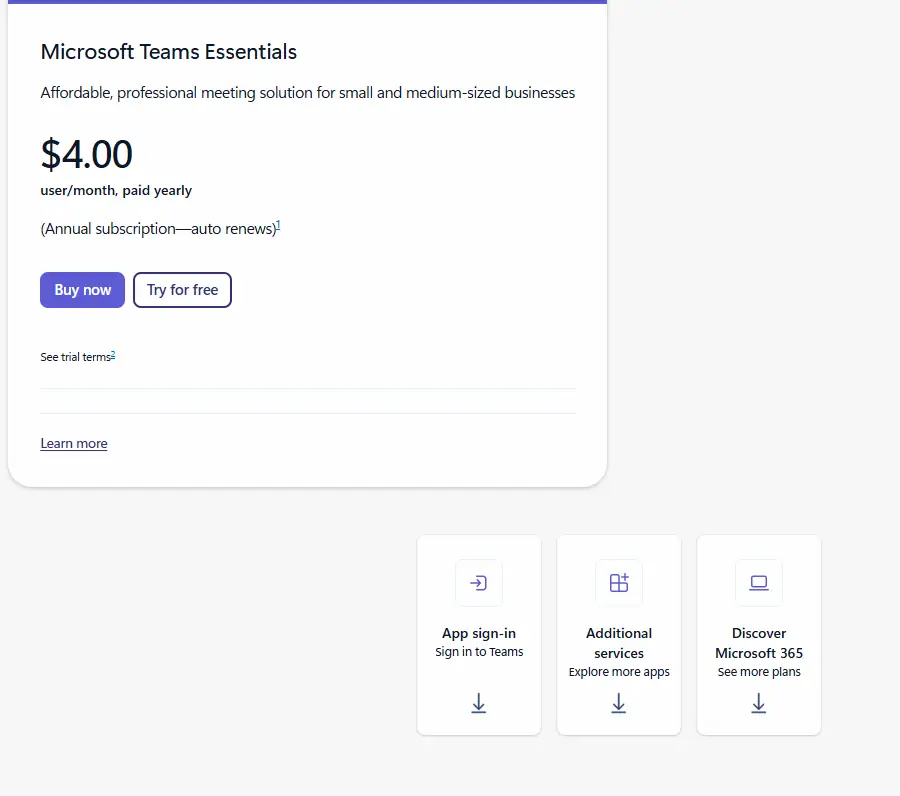
| Microsoft Teams Essentials | $4.00 | Chat, call and video conferencing; 10 GB cloud storage per user; recordings with transcripts |
| Microsoft 365 Business Basic | $7.00 | Teams plus web and mobile Office apps; 1 TB cloud storage; business email |
| Microsoft 365 Business Standard with Copilot | $23.50 | Desktop, web and mobile Office apps with Copilot; webinar hosting |
| Teams Premium (add-on) | $10.00 | Extra AI, personalization and security features |
All three business plans list meetings up to 30 hours and up to 300 participants, for organizations of 1 to 300 employees. Basic and Standard include "over 250 integrated business apps for Teams". These plans are annual subscriptions that auto-renew.
Discord: voice, video and communities
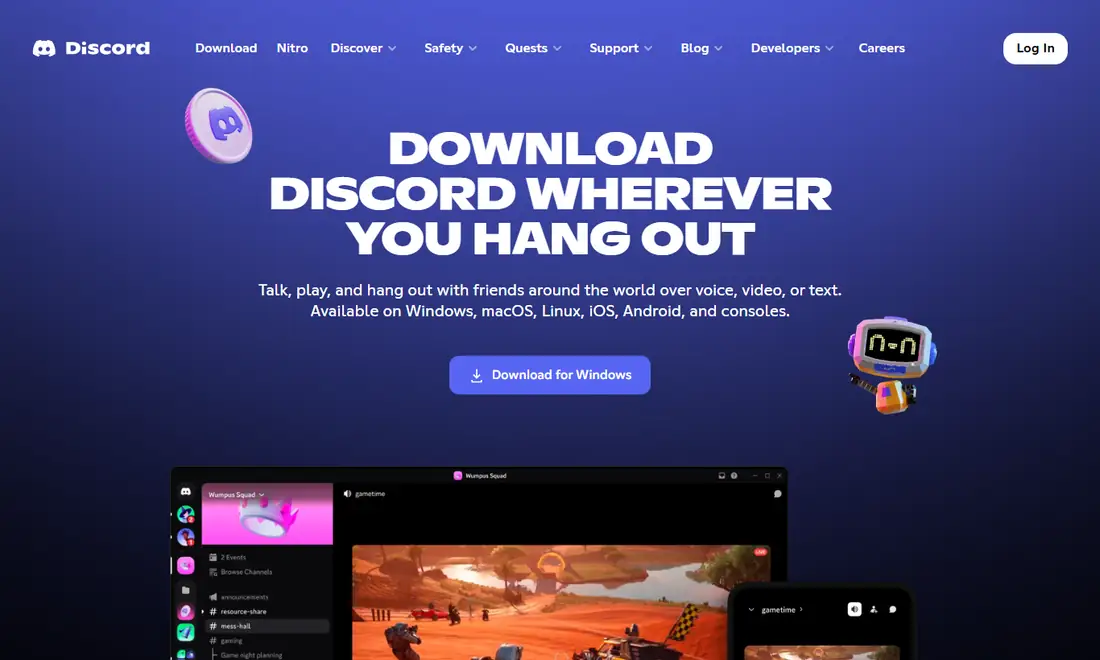
Discord describes itself as a place to "talk, play, and hang out with friends around the world over voice, video, or text." Its download page focuses on gaming: showing what you are playing, streaming games to friends and linking consoles. Its public pages do not present it as a business workspace with admin and compliance tiers.
Discord download and platforms
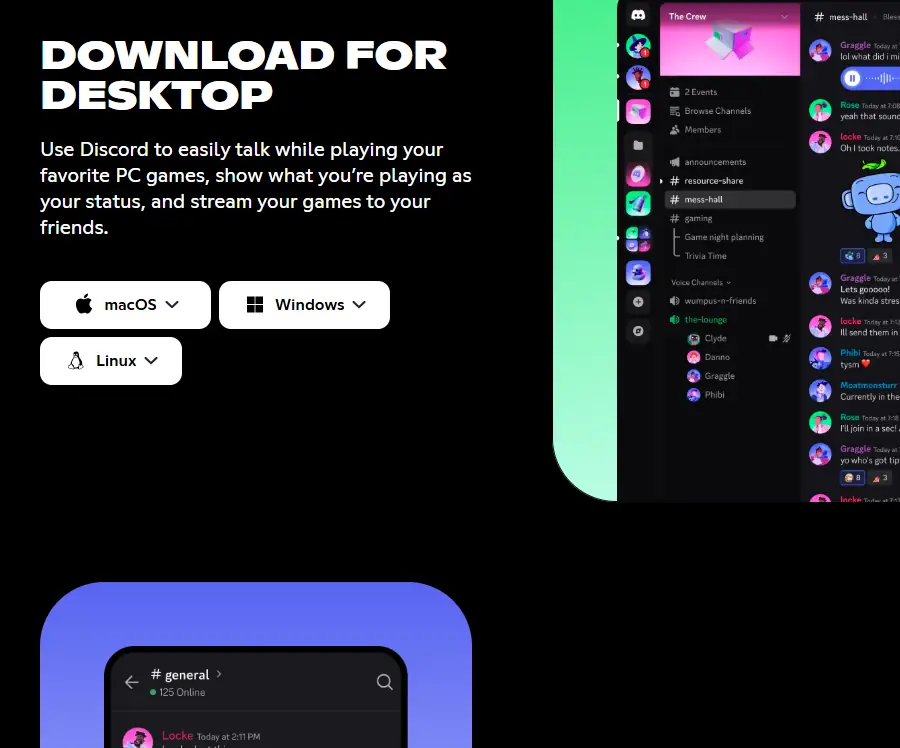
The Discord download page offers desktop apps for macOS, Windows and Linux, mobile apps from the App Store and Google Play, console linking for PlayStation and Xbox, and a Meta Quest app for VR. There is also a Public Test Build for people who want to try features early.
Discord free app and Nitro
The Discord app itself is free. Discord sells optional paid Nitro tiers on its Nitro page: Nitro Basic lists 50 MB uploads, custom emoji anywhere and custom app icons, while Nitro adds 1 GB uploads, HD video streaming, custom profiles and more. The public Nitro page did not display prices when we checked, so we are not quoting them; check inside the Discord app before you subscribe. Neither the download page nor the Nitro page lists a business plan comparable to Slack Business+ or Microsoft 365.
Calls and meetings compared
| App | Free tier | Paid tier | Where it runs |
|---|---|---|---|
| Slack huddles | Maximum of two participants | Up to 50 participants, 25 with video | Desktop and mobile apps, Chrome, Firefox |
| Teams meetings | Up to 60 minutes and 100 participants | Up to 30 hours and 300 participants | Desktop, web and mobile |
| Discord voice/video | Voice and video calls in the free app | Nitro adds HD streaming | Desktop, mobile, consoles, VR |
If long, scheduled meetings with large audiences are central to your work, Teams publishes the biggest limits. If your calls are short, informal check-ins that start from a conversation, Slack huddles fit that pattern, but the free plan's two-person cap is a real limit. Discord's voice channels suit drop-in community chat.
Which app should you download?
- Choose Slack if your team organizes work in channels, connects lots of tools and wants Slack Connect to work with clients and partners. Look at the Slack pricing page and our Slack pricing plans explained before committing.
- Choose Microsoft Teams if your organization already pays for Microsoft 365 or needs long meetings with up to 300 people and Office apps in the same subscription.
- Choose Discord for gaming groups, fan communities and hobby servers where free voice chat and streaming matter more than admin controls.
Plenty of people keep two installed: Slack or Teams for work, Discord for personal communities.
Install safely and fix common problems
Whichever app you pick, download it only from the vendor's own site or an official app store. For Slack that means slack.com, the Microsoft Store, the Mac App Store, Google Play or the App Store, where the publisher should read "Slack Technologies" (or "SLACK TECHNOLOGIES L.L.C." on Apple and Google stores). Avoid "premium" or modified builds offered on third-party sites. If an app will not install, first check that your operating system is on the vendor's supported list; for Slack, an unsupported OS is a common cause, and Windows 10 is no longer supported. Slack also compares AI features differently by plan, so if AI matters, read our Slack AI features guide.
Frequently Asked Questions
Is Slack, Teams or Discord free to download?
Yes. All three apps are free to download from their official sites. Slack has a free plan with a 90-day message history and 10 apps, Microsoft offers a free version of Teams for individuals, and the Discord app is free with optional paid Nitro tiers. Paid plans unlock longer history, bigger meetings and admin features.
Which is cheaper, Slack Pro or Microsoft Teams Essentials?
On the prices checked , Microsoft Teams Essentials is $4.00 per user per month paid yearly, while Slack Pro is $7.25 per user per month paid annually or $8.75 paid monthly. Compare features, not just price: Teams Essentials focuses on meetings, while Slack Pro adds unlimited history and app integrations.
How many people can join a call on the free plans?
Slack huddles on the free plan can have a maximum of two participants. The free version of Microsoft Teams lists group calling for up to 60 minutes and 100 participants. Discord's free app includes voice and video, but Discord's download and Nitro pages do not publish a participant figure.
Can I use Discord instead of Slack for work?
You can, and some small groups do, but Discord's pages present it as an app to talk, play and hang out rather than a business workspace. Slack and Teams publish admin tools, single sign-on and compliance features on their paid plans, which most companies need once they grow beyond a small team.
Does Slack still work on Windows 10?
Windows 10 is not on Slack's current supported list. Slack's official requirements call for Windows 11 version 23H2 or above, or Windows Server 2016. If you are still on Windows 10, plan an upgrade or use Slack in a supported browser such as Chrome, Firefox or Microsoft Edge.
Why does Discord's Nitro price not appear in this comparison?
Discord's public Nitro page listed the tiers and their perks, such as 50 MB uploads on Nitro Basic and 1 GB uploads on Nitro, but it did not display prices when we checked. Check the current price inside the Discord app or on discord.com before subscribing, and buy only through Discord itself.