
Slack Download APK: Why Google Play Is the Safe Way to Install Slack on Android

Slack download searches that end in "APK" usually come from people with a practical problem: the Play Store shows an error, a work phone is locked down, a tablet never had Google apps, or someone wants a file to keep. Whatever the reason, the goal is the same: Slack working on an Android device. This guide explains why the official Google Play listing is the safe answer for nearly everyone, what goes wrong with files from APK mirror sites, why "Slack Premium" mods are fake, and what to use on devices that cannot run Google Play. SlackDownload.com is a third-party guide; it does not host app files and will never point you to a mirror, mod or modified build.
What people searching for a Slack APK usually want
An APK is simply the package format Android uses to install apps; everything from Google Play is delivered as APKs behind the scenes. So a "Slack APK" search is rarely about the file format. It is usually one of these situations:
- The Play Store install failed with a compatibility or storage message.
- They want an older version because an update changed something.
- The device has no Google Play, such as some tablets and phones sold without Google services.
- A work-managed phone blocks the store and sideloading looks like a shortcut.
- They want an offline copy to install on several devices.
Each has a better answer than a file from an unknown website: a troubleshooting step in Google Play, a message to IT, or the Slack web app in a supported browser.
Why Google Play is the safe Slack download source
Slack's own Android download page links straight to Google Play, and the official Slack listing on Google Play (package com.Slack) shows the developer as SLACK TECHNOLOGIES L.L.C. That listing gives you protections a downloaded file cannot match.
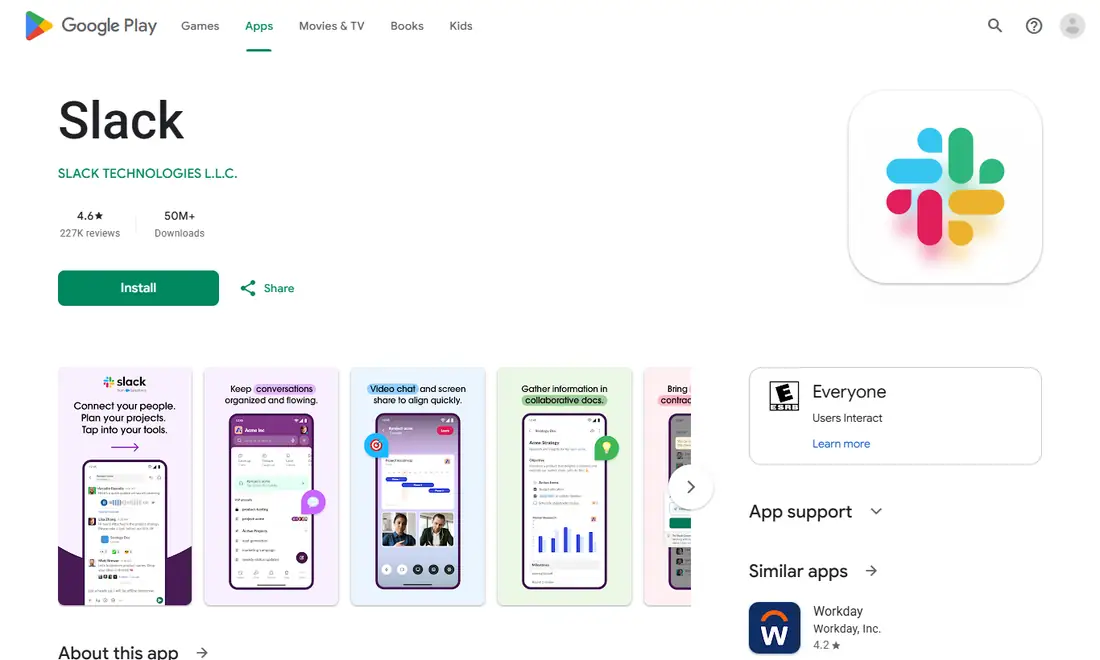
- Verified signature. Every Android app is signed with its developer's key. Android checks that signature, and every later update must carry the same one. That chain is what guarantees the app is the one Slack built.
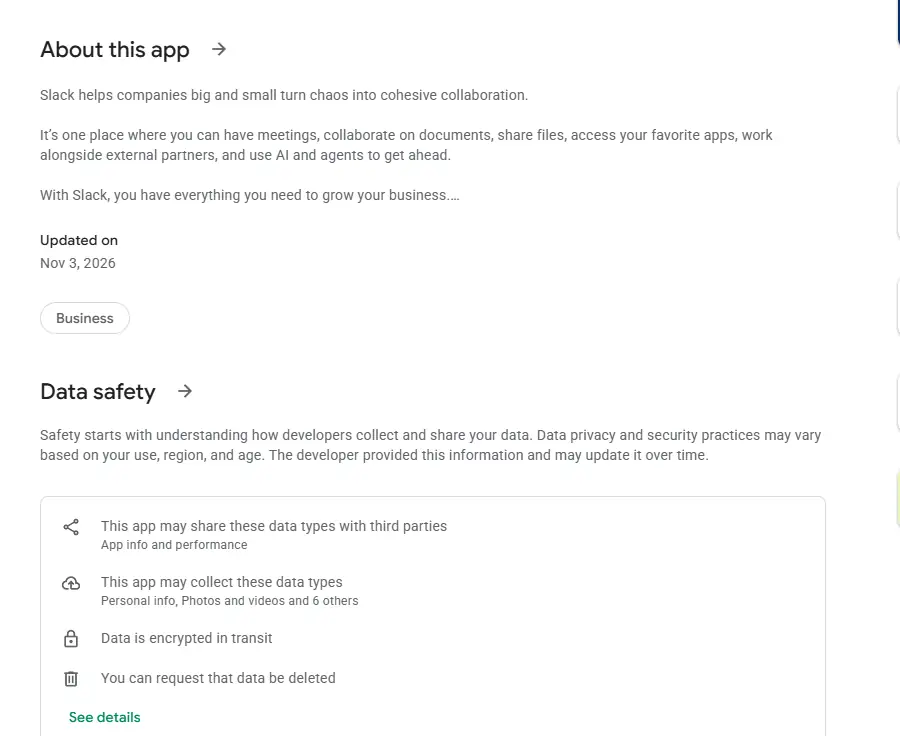
- Automatic updates. Slack's requirements call for app version 25.05.20 or above, and the minimum rises each May and November. Google Play keeps you inside the supported window; a sideloaded file stays frozen at whatever version you grabbed.
- Built-in scanning. Apps installed through Google Play are checked by Google's own malware protection, which keeps scanning installed apps over time.
- Honest compatibility checks. If the store says your device is not compatible, it is telling you something true about your phone, not throwing up an arbitrary barrier.
The real risks of APK mirror sites
APK mirror sites vary widely, and from the outside it is almost impossible to tell a careful one from a careless or malicious one. Even with good intentions, a mirror creates risks the official store avoids.
Tampered files
An attacker can unpack an app, inject code that harvests data or shows ads, and repackage it. Slack holds company conversations, files and login sessions, which makes a tampered client an attractive target. A modified app could read the messages you see or capture the session that keeps you signed in, with no visible sign that anything is wrong.
Signature mismatch and stuck installs
A repackaged app cannot be signed with Slack's private key, so it must carry a different signature. If you already have Slack from Google Play, Android refuses to install the mirror file over it. If you install the mirror file first, the official version cannot update it later, and you end up uninstalling and reinstalling, losing settings along the way.
No updates, then no access
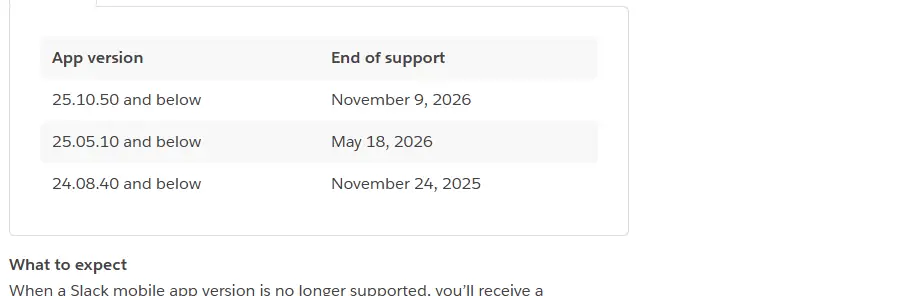
Even an untouched mirror copy will not update itself. Slack's support lifecycle page says that when a mobile app version is no longer supported, you're prompted to upgrade and can't access Slack until you do. It lists mobile app versions 25.10.50 and below as reaching end of support on November 9, 2026.
Wrong build and work policy problems
Google Play matches the package to your processor, screen and language automatically; a single mirror file may be built for different hardware, install incompletely or crash. And many organisations require company data to be accessed only through approved, unmodified apps, so an unofficial build on a work phone can break policy or get the device blocked.
Google Play vs APK mirror: quick comparison
| Factor | Official Google Play listing | APK mirror site |
|---|---|---|
| Publisher | SLACK TECHNOLOGIES L.L.C., signed by Slack | Unknown; file may be re-signed |
| Updates | Automatic through the store | None; manual and easy to forget |
| Malware scanning | Google's built-in protection | Depends on the site, if any |
| Correct build for device | Matched automatically | Often generic or incomplete |
| Accepts later official updates | Yes | Often blocked by signature mismatch |
| Acceptable on work devices | Generally yes | Frequently against policy |
Why "Slack Premium" and mod APKs are always fake
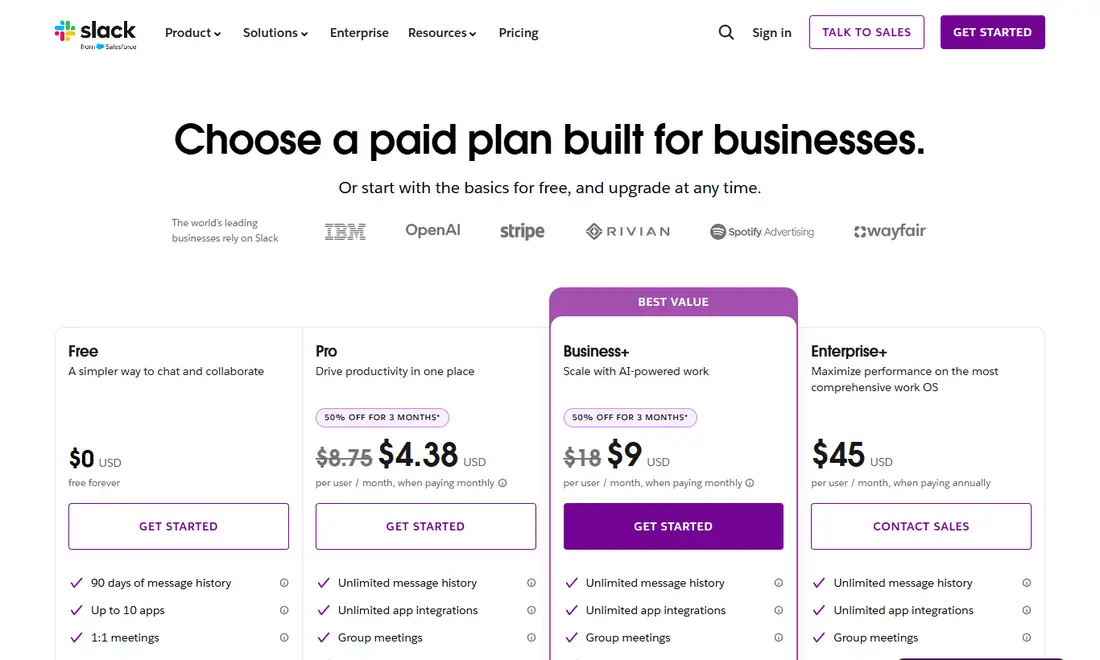
Some sites advertise "Slack Premium", "Pro unlocked" or modded APKs. They cannot be genuine. Slack's paid features come from your workspace's plan on Slack's servers, not from hidden switches inside the app. The Slack pricing page lists Free at $0 with 90 days of message history, and Pro at $7.25 per user per month paid annually; a modified app cannot turn a Free workspace into Pro. At best a mod does nothing; at worst it carries malware or captures your sign-in. If you installed one, remove it, reinstall from Google Play and change your password. Our Slack pricing plans guide explains what each plan actually includes.
The Google Play Services requirement
The Slack system requirements list Android 11 or above and state that Slack only supports Android devices that have Google Play Services installed by default. Push notifications and other background functions rely on those services, so even if you forced Slack onto a device without them, you might see messages when you open the app but get no alerts. Sideloading does not add the missing services, and installing them unofficially brings its own security and stability problems.
| Requirement | Slack's current minimum |
|---|---|
| Android version | Android 11 or above |
| Google Play Services | Installed by default on the device |
| Slack app version | 25.05.20 or above |
Requirements last checked: (Slack revises them every May and November).
Heads-up: Slack's support lifecycle page lists Android 11 as reaching end of support on November 9, 2026; check the official requirements page after that date.
No Google Play? Use the Slack web app
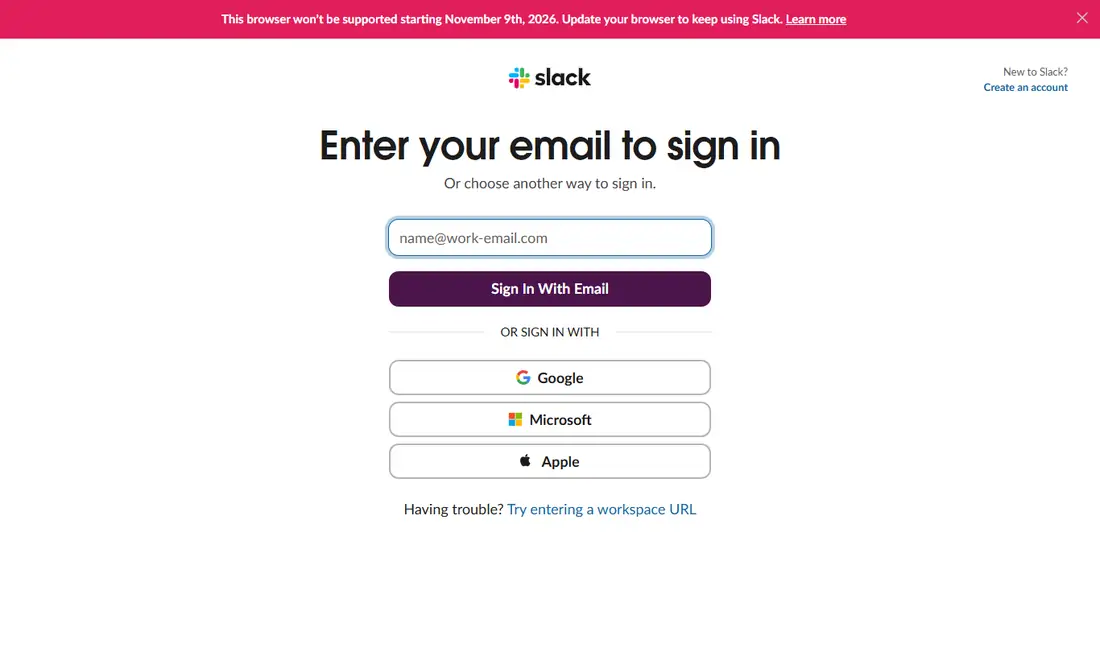
If your phone or tablet shipped without Google Play, Slack does not support the Android app there, and an APK will not change that. The honest alternative is the web app: sign in on Slack's official sign-in page in a supported browser (Chrome 137+, Firefox 139+, Safari 26+ or Microsoft Edge 136+). Only Chrome and Firefox support huddles. Browser notifications on a tablet are usually less dependable than native push alerts, but for a secondary screen it works well. See our Slack web app guide for setup tips.
Fix the install instead of sideloading
If your device does have Google Play and the install failed, try these steps first:
- Confirm the device runs Android 11 or above.
- Free up storage.
- Update Google Play and Google Play Services.
- Clear the Play Store's cache in its app settings, then retry.
- Restart and retry on stable Wi-Fi.
- On a work-managed phone, install from the work profile's Play Store or ask IT to approve Slack.
Work profiles and managed phones
Many companies use Android's work profile to separate business apps from personal ones. Slack is then installed through a managed version of Google Play inside the work profile, and the personal store may not offer it there. That can look like a broken store and send people hunting for an APK, but the fix is administrative: IT controls which apps appear in the work profile, and sideloading onto a managed phone usually breaks that policy. A short message to IT is faster and safer.
Already installed a Slack APK? Check it
Open Slack's page in Google Play. If it opens and updates the app normally, you are most likely on the official build. If an update from Google Play fails, or Android reports a package conflict, the copy you have probably came from elsewhere. Uninstall it, install from Google Play, sign in again, and change your Slack password if you entered it into that copy.
If you wanted an older version because an update changed something, look in Slack's preferences first; most changes can be adjusted, and an old build will fall out of support anyway. For the full install walkthrough and notification setup, read our Slack download for Android guide, and for wider advice on spotting fakes, our guide to downloading Slack safely.
Frequently Asked Questions
Is there an official Slack APK I can download directly?
Slack distributes its Android app through Google Play, and that is the channel to use. Its own download page for Android links straight to the Play listing. The store delivers the right package for your device, checks Slack's signature and keeps the app updated. This site does not host files or recommend any other source.
Can I install a Slack APK on a phone without Google Play?
Slack only supports Android devices that have Google Play Services installed by default, so these devices are outside its supported range. A sideloaded file does not add the missing services, and features such as push notifications may not work. The practical option is the Slack web app in a supported browser.
Why does Android say the app conflicts with an existing package?
That message usually means the file you are installing was signed with a different key from the Slack app already on your device. Official updates always carry Slack's own signature, so a mismatch strongly suggests the file did not come from Slack. Delete it and update through Google Play instead.
Is Slack Premium APK real?
No. There is no Slack Premium app. Paid features such as unlimited message history come from your workspace's plan on Slack's servers, not from the app on your phone, so a modified APK cannot unlock them. These files are a common way to spread malware or steal sign-in details.
What is the minimum Android version for Slack?
Slack's published requirements list Android 11 or above, with app version 25.05.20 or above, on devices with Google Play Services installed by default. Slack's support lifecycle page lists Android 11 as reaching end of support on November 9, 2026, so check the requirements page again after that date.
Can I keep using an old Slack version from a saved APK?
Only briefly. An old build stops receiving fixes, and when its version reaches end of support Slack prompts you to upgrade and blocks access until you do. Slack's lifecycle page lists mobile app versions 25.10.50 and below as unsupported from November 9, 2026. Updating through Google Play avoids this.